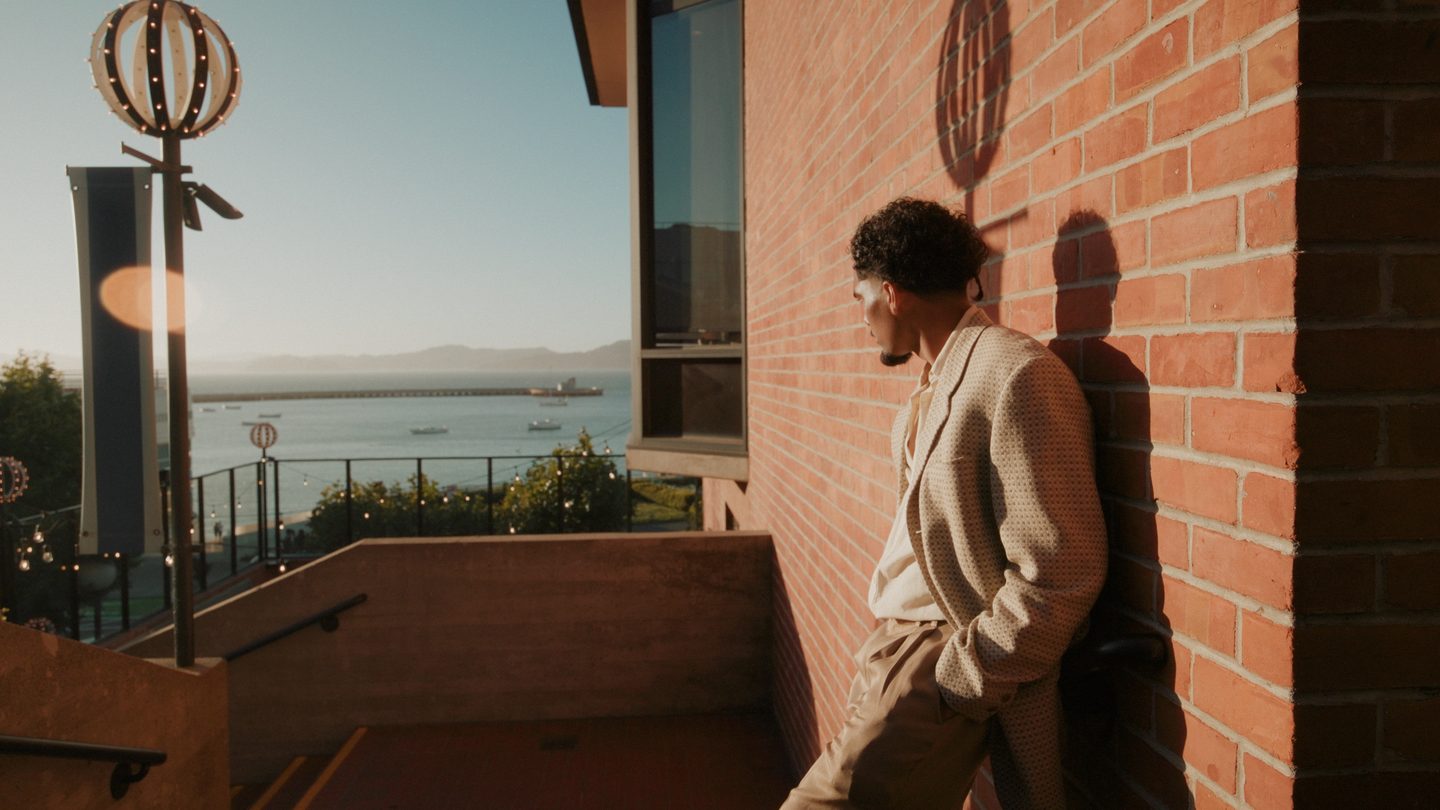
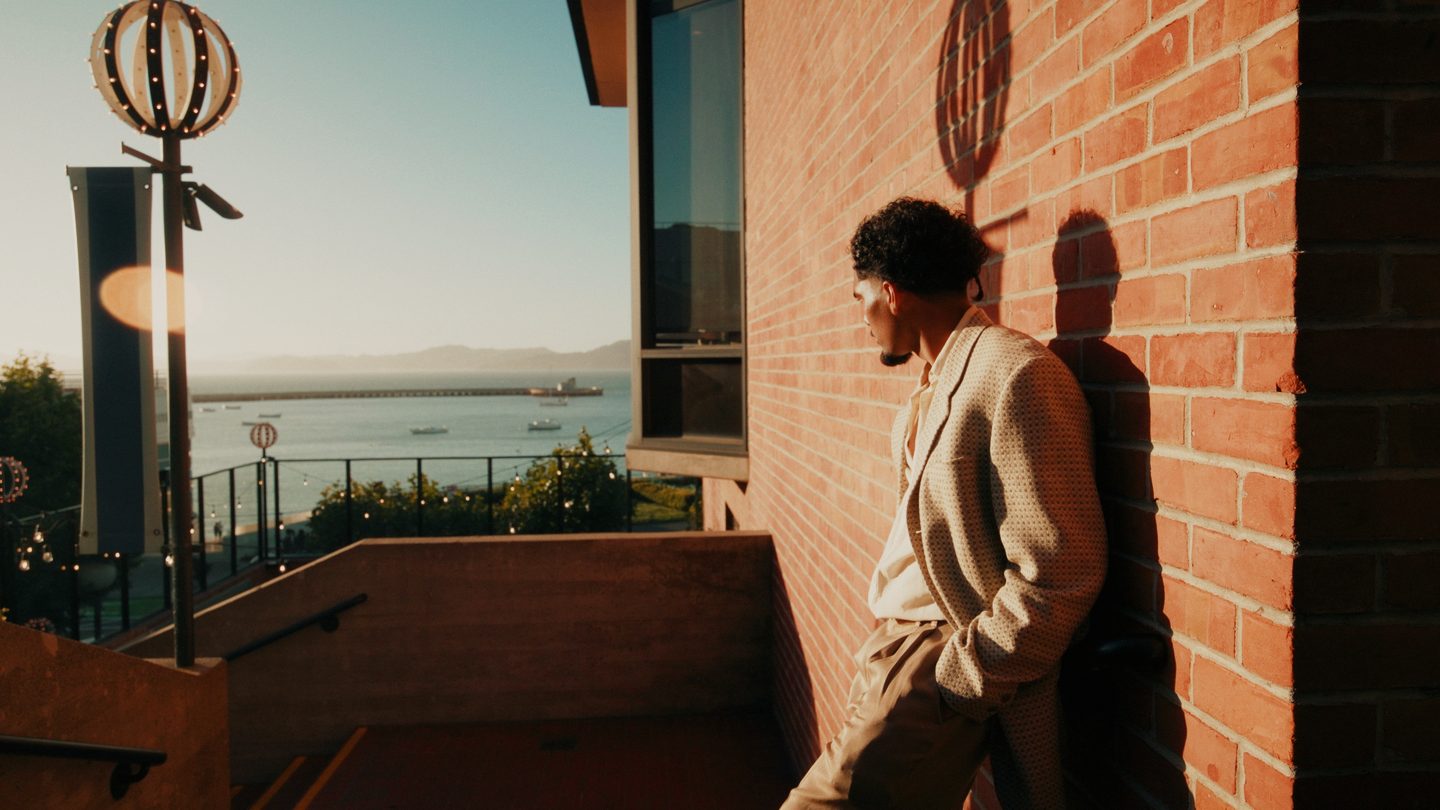
BEFOREAFTER
01
Matinee
The film-print flagship. Dense, warm, cinematic — rich blacks, soft glowing highlights, that Kodak-print feel. My go-to for a hero shot.
6 cinematic finishing LUTs · Resolve · Premiere · Final Cut
Six finishing looks I grade real client work with — dense, filmic, skin-tones protected. Drop one on your footage and get a professional grade in seconds. All six are free. No card, no plugins, no catch.
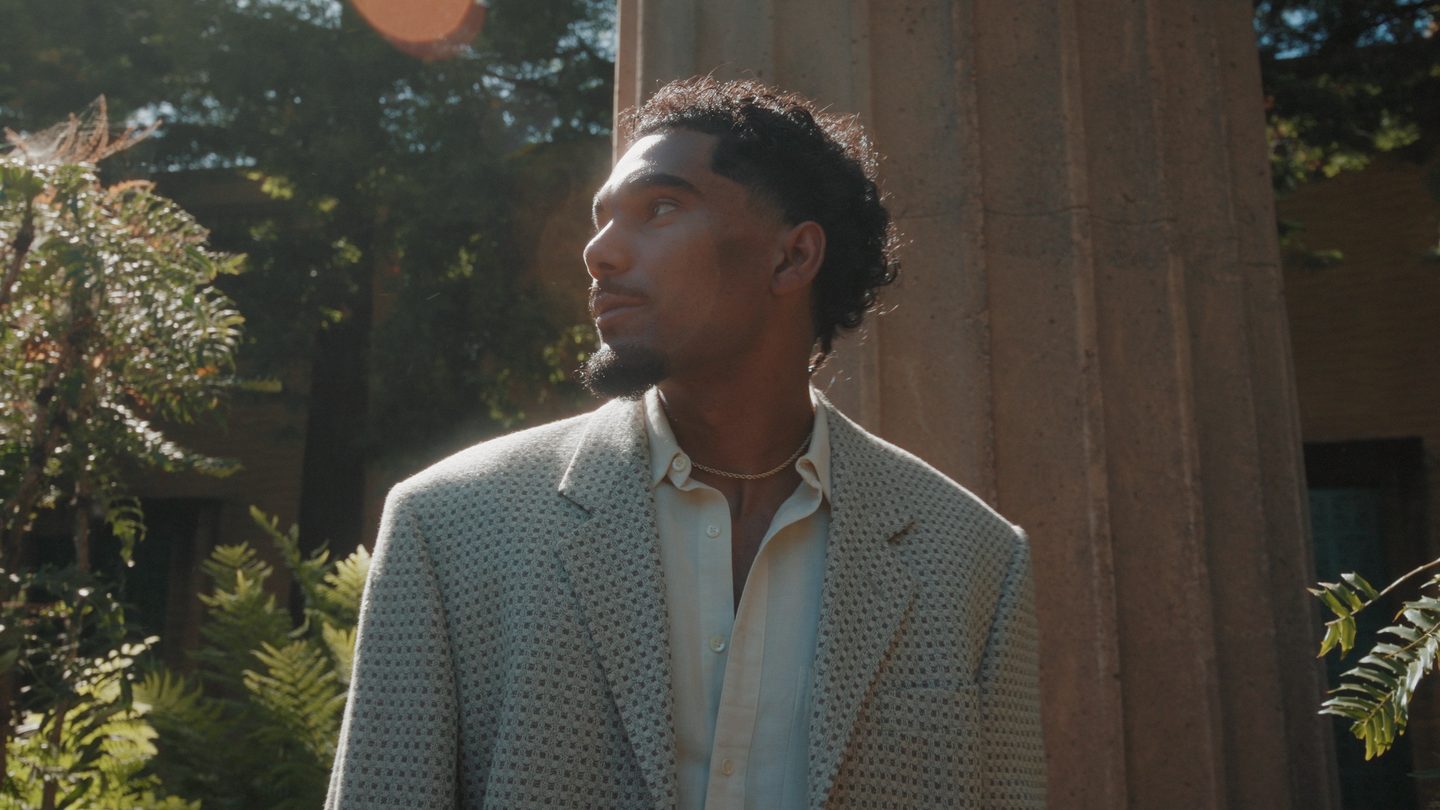
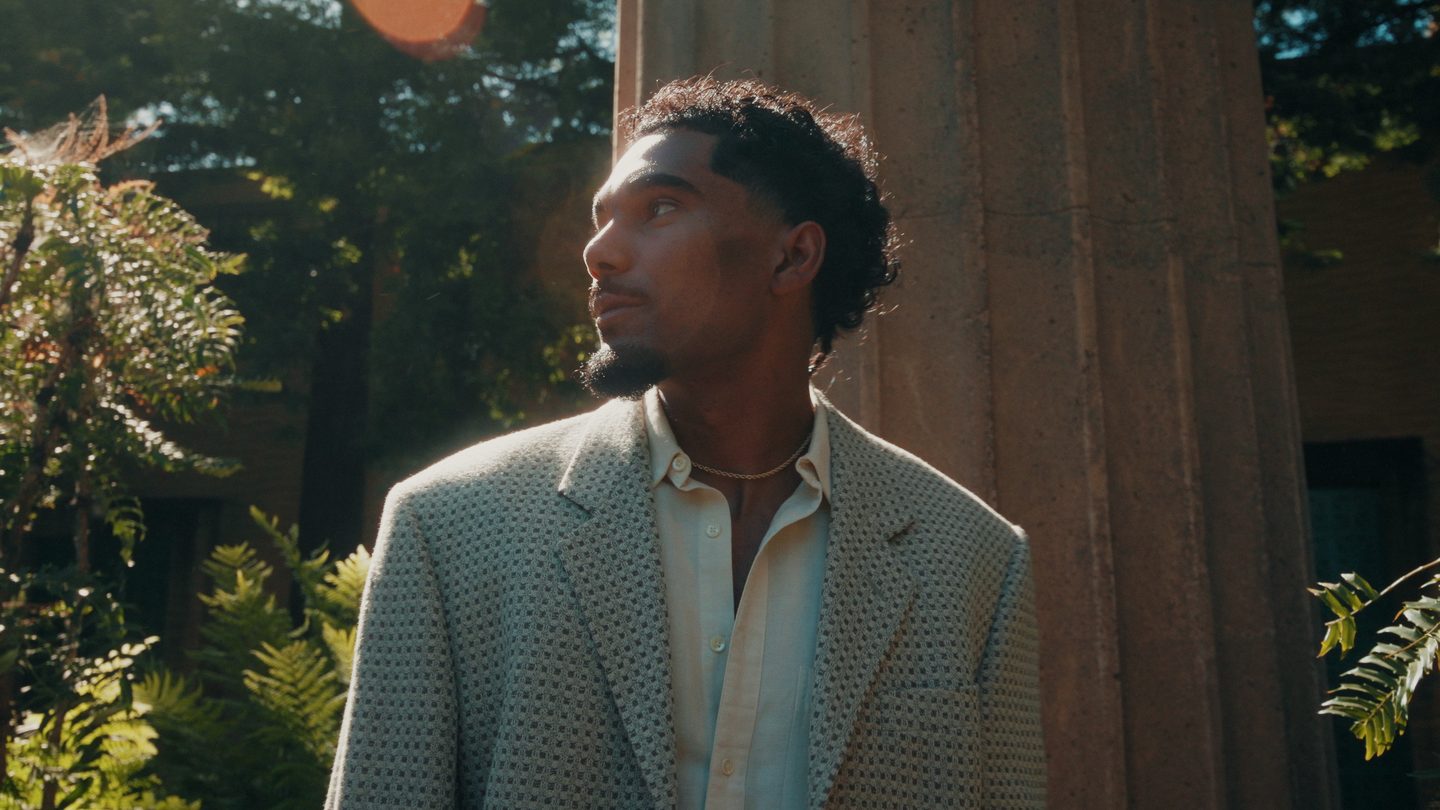
Drag the slider. Real footage, straight out of the pack — no extra grading.
Each is a full 33-point 3D LUT with original color science — not a preset, not a filter. Drag any slider to compare.
The film-print flagship. Dense, warm, cinematic — rich blacks, soft glowing highlights, that Kodak-print feel. My go-to for a hero shot.
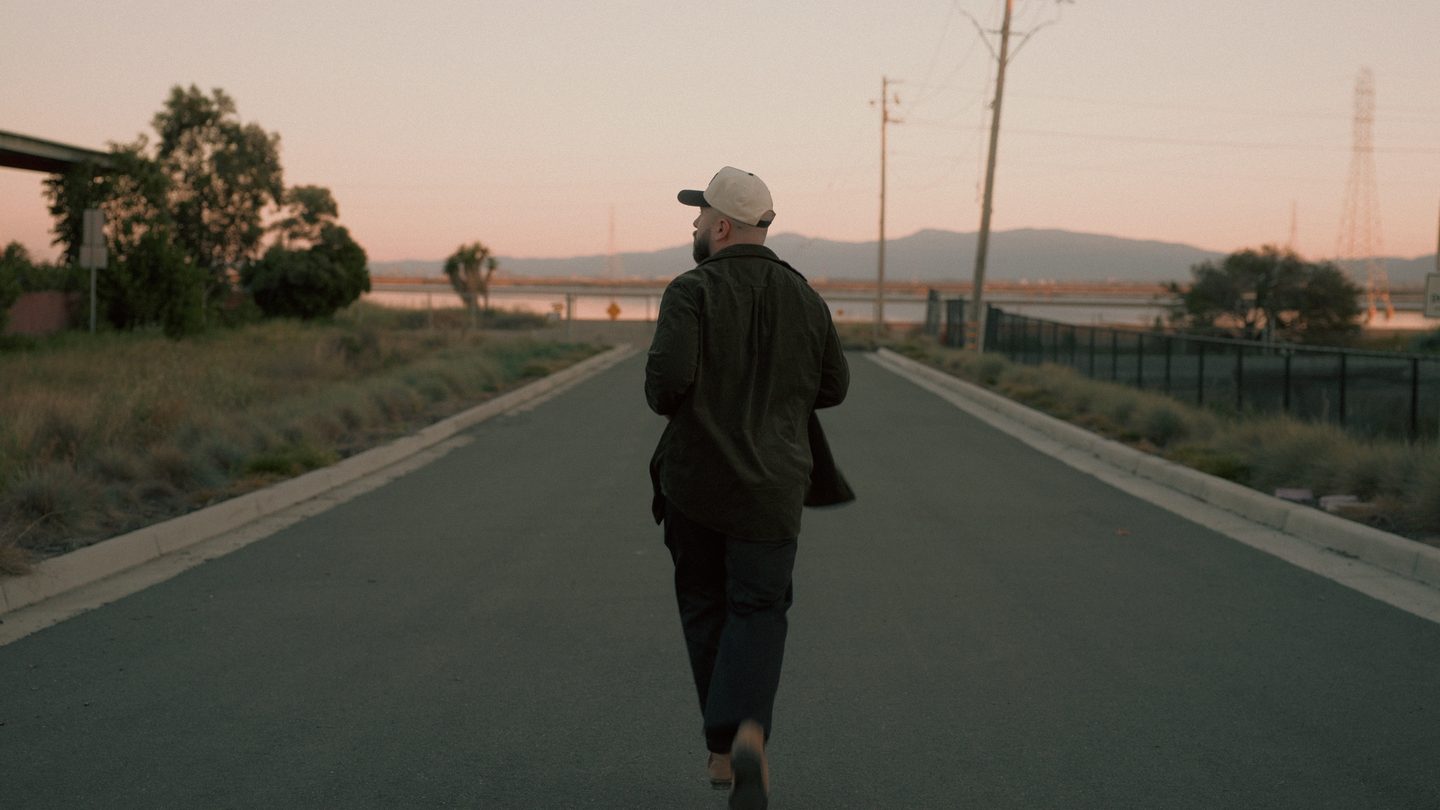
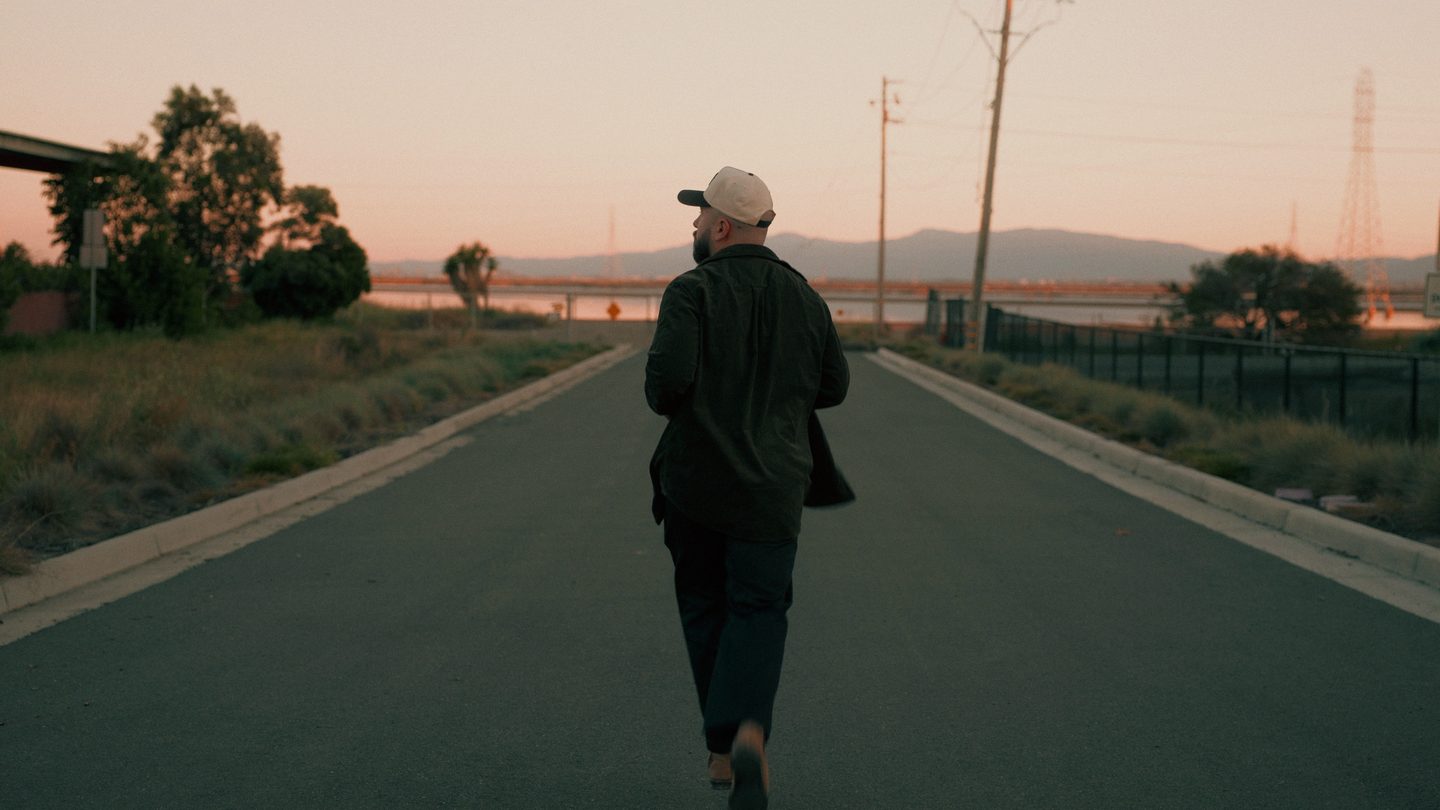
Modern teal & orange, done right. Teal shadows, enriched skin, clean whites. The refined 2026 version — never the harsh 2015 one.
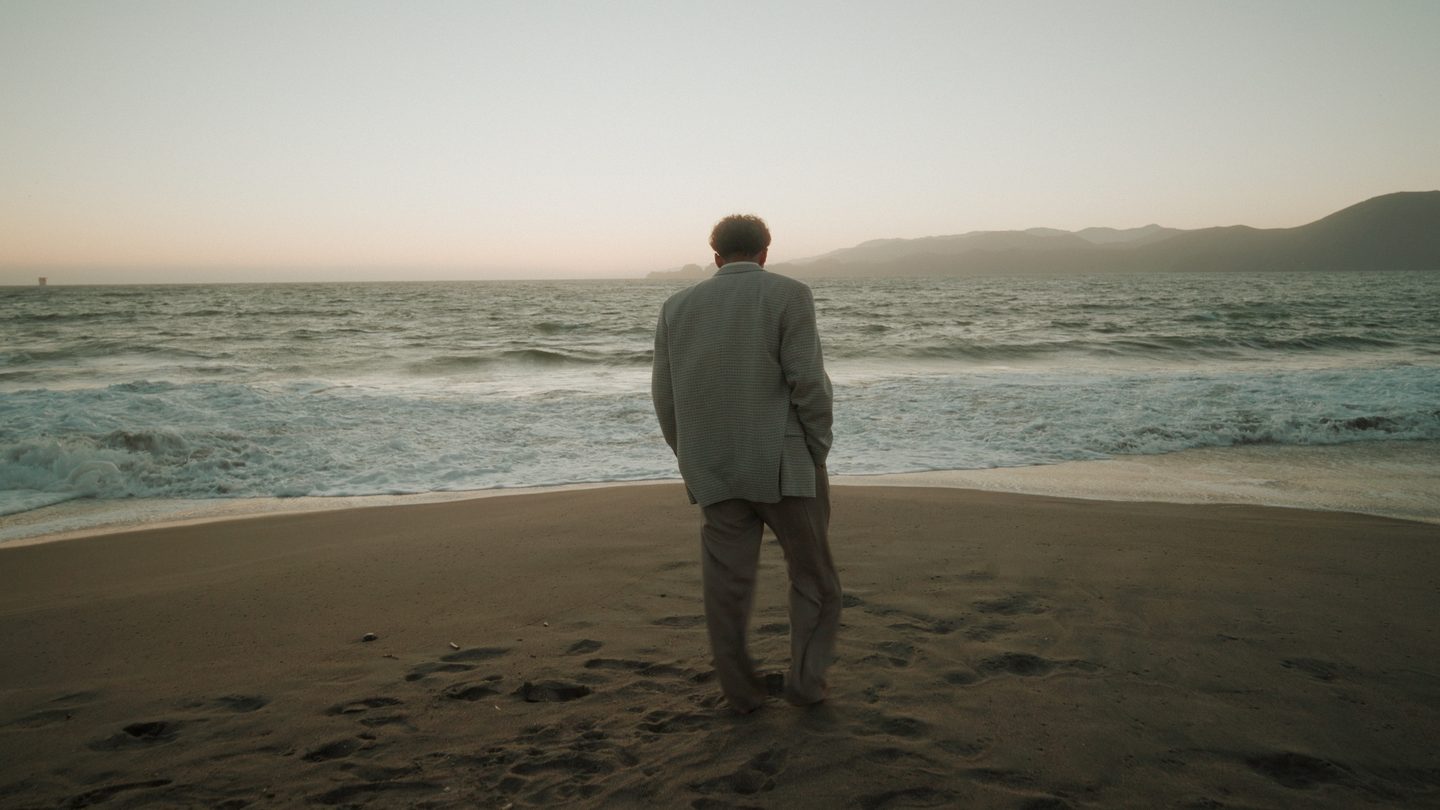
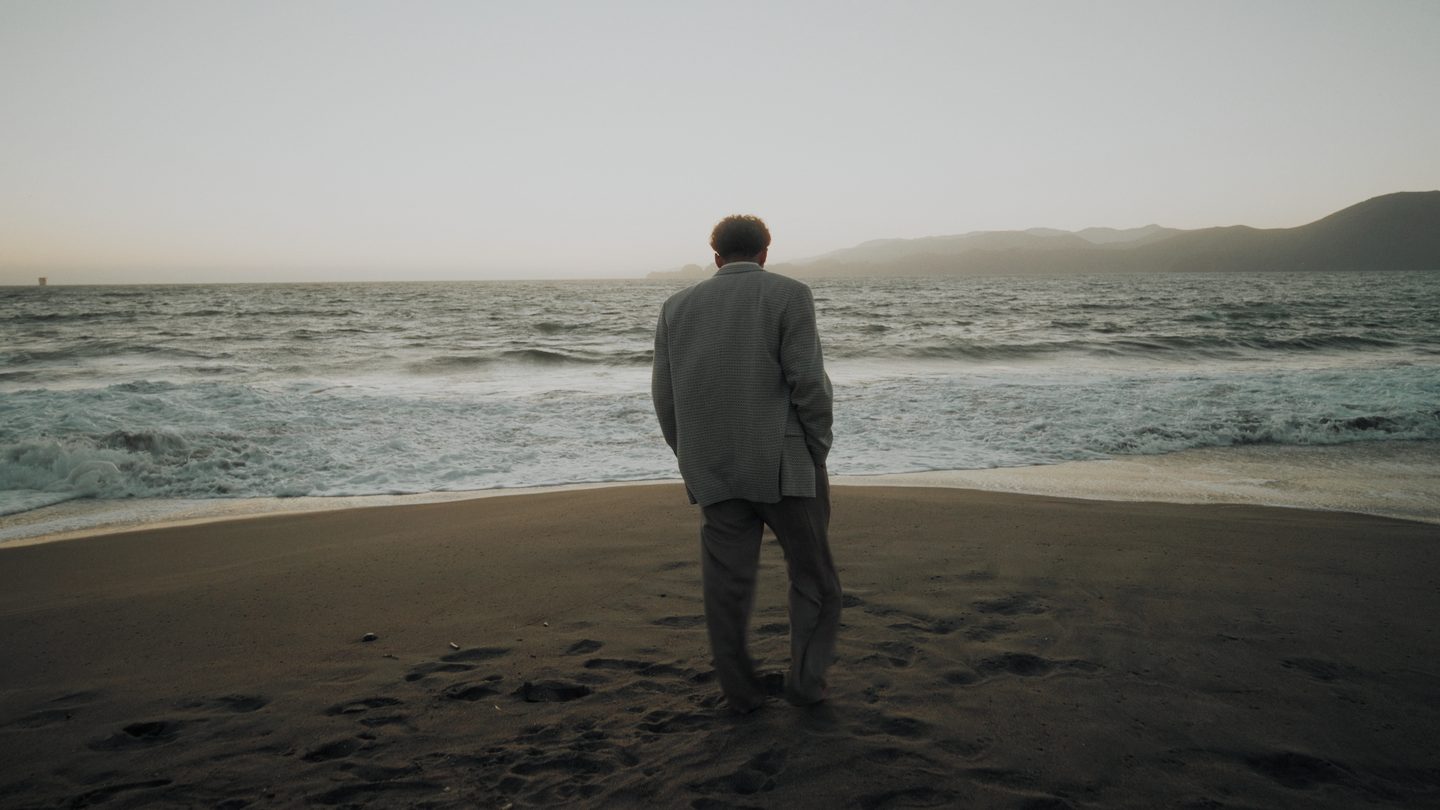
Moody and urban. Cool crushed shadows, muted greens, pulled-down highlights. Built for low light and city-at-night energy.
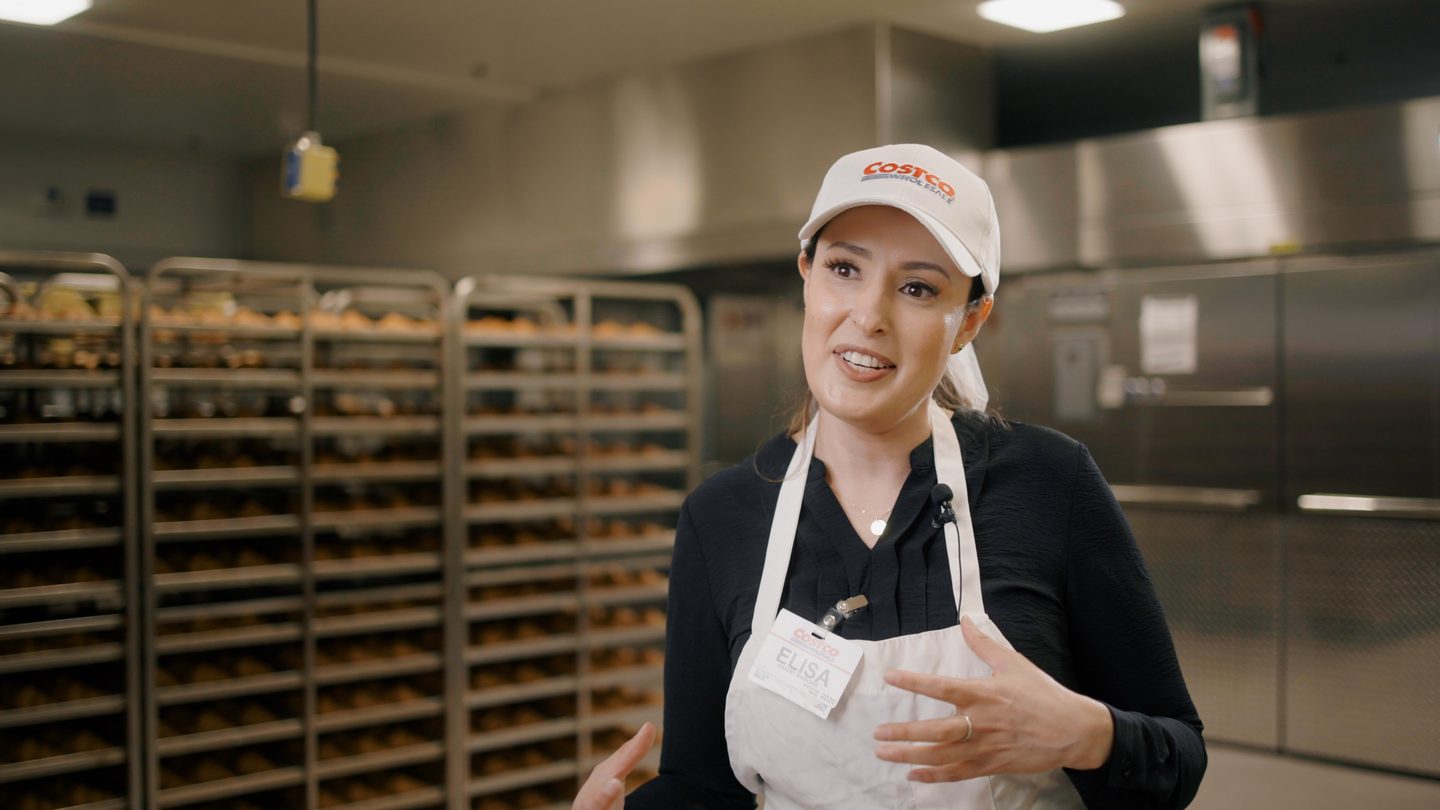
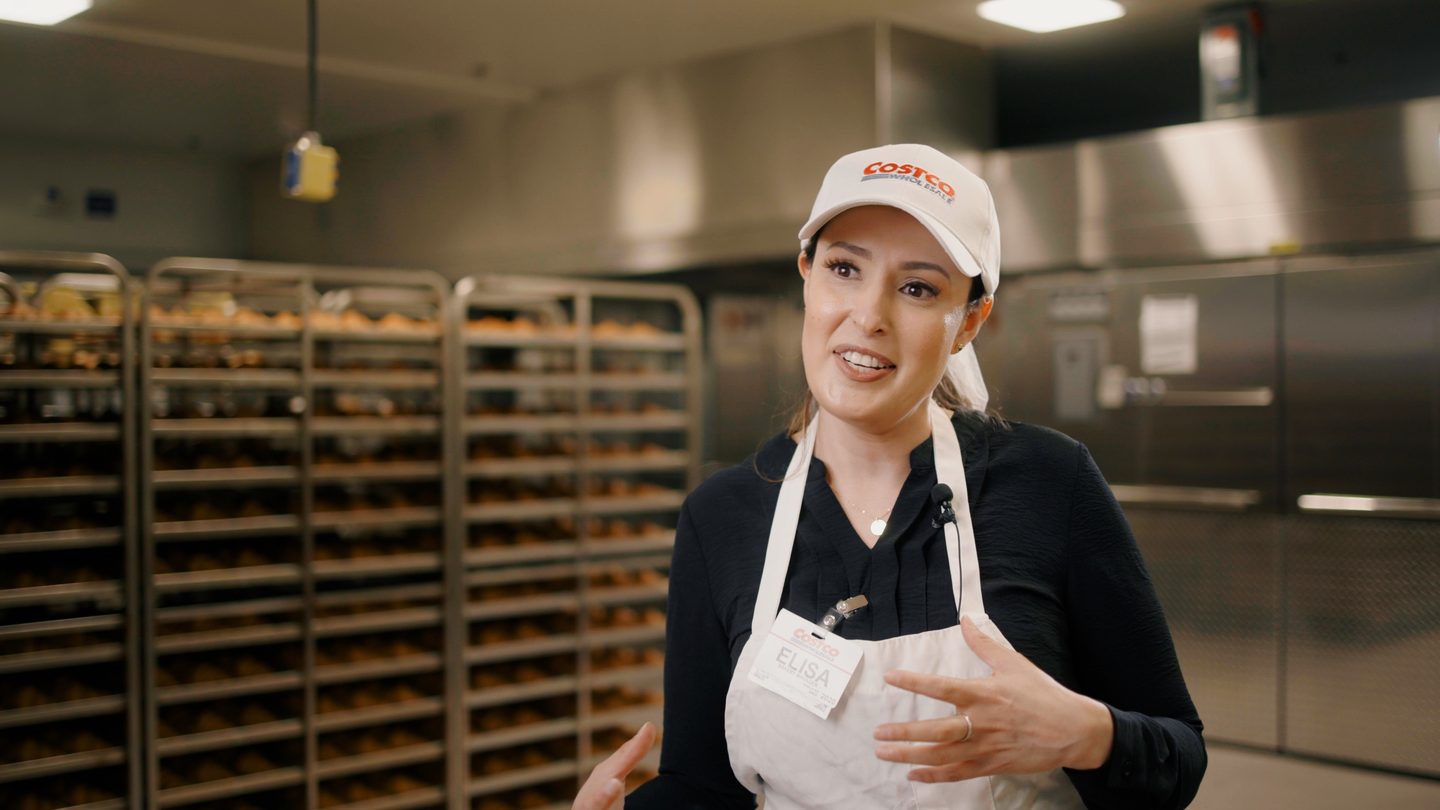
The commercial workhorse. Natural, balanced, client-safe polish that makes footage look finished without shouting "filter." The one clients approve.
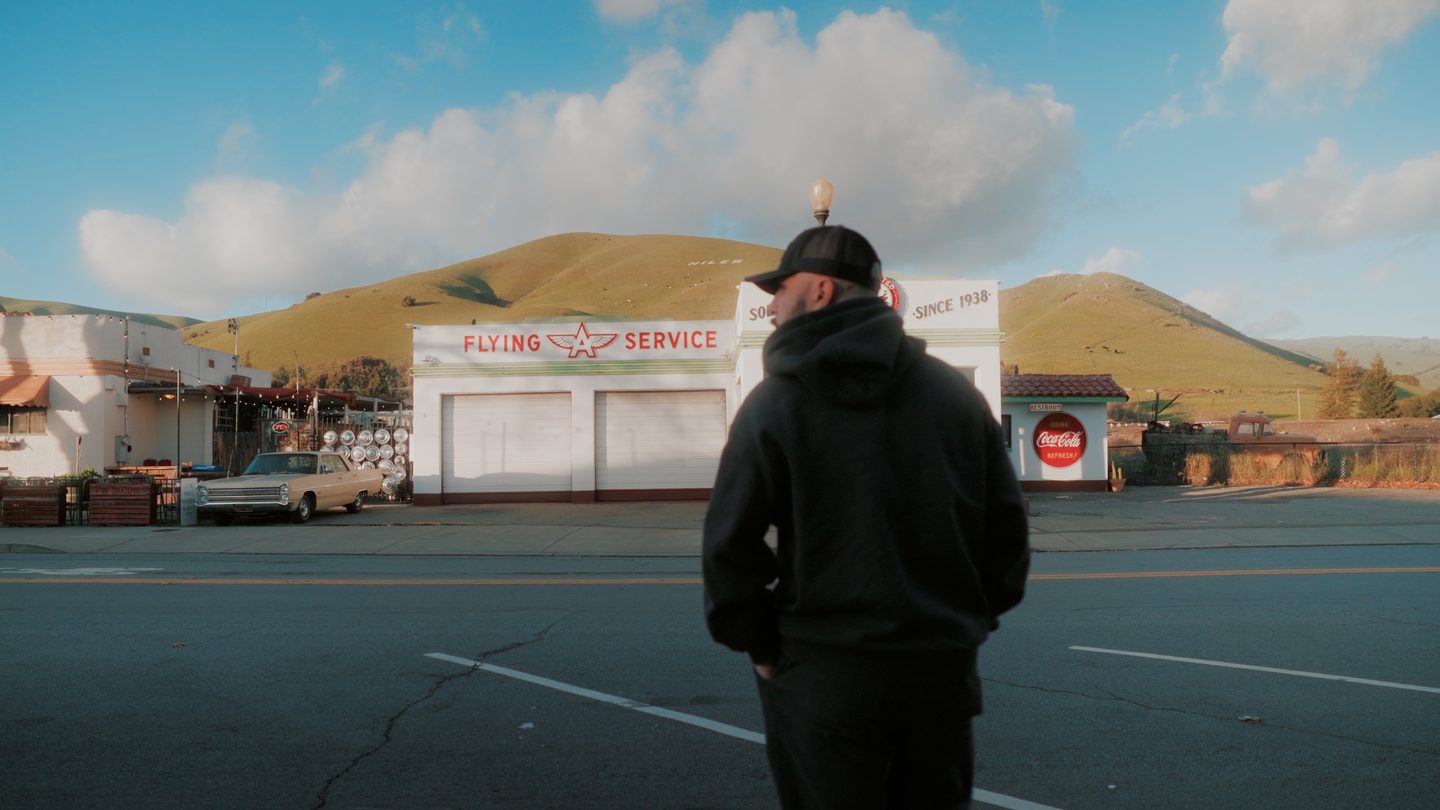
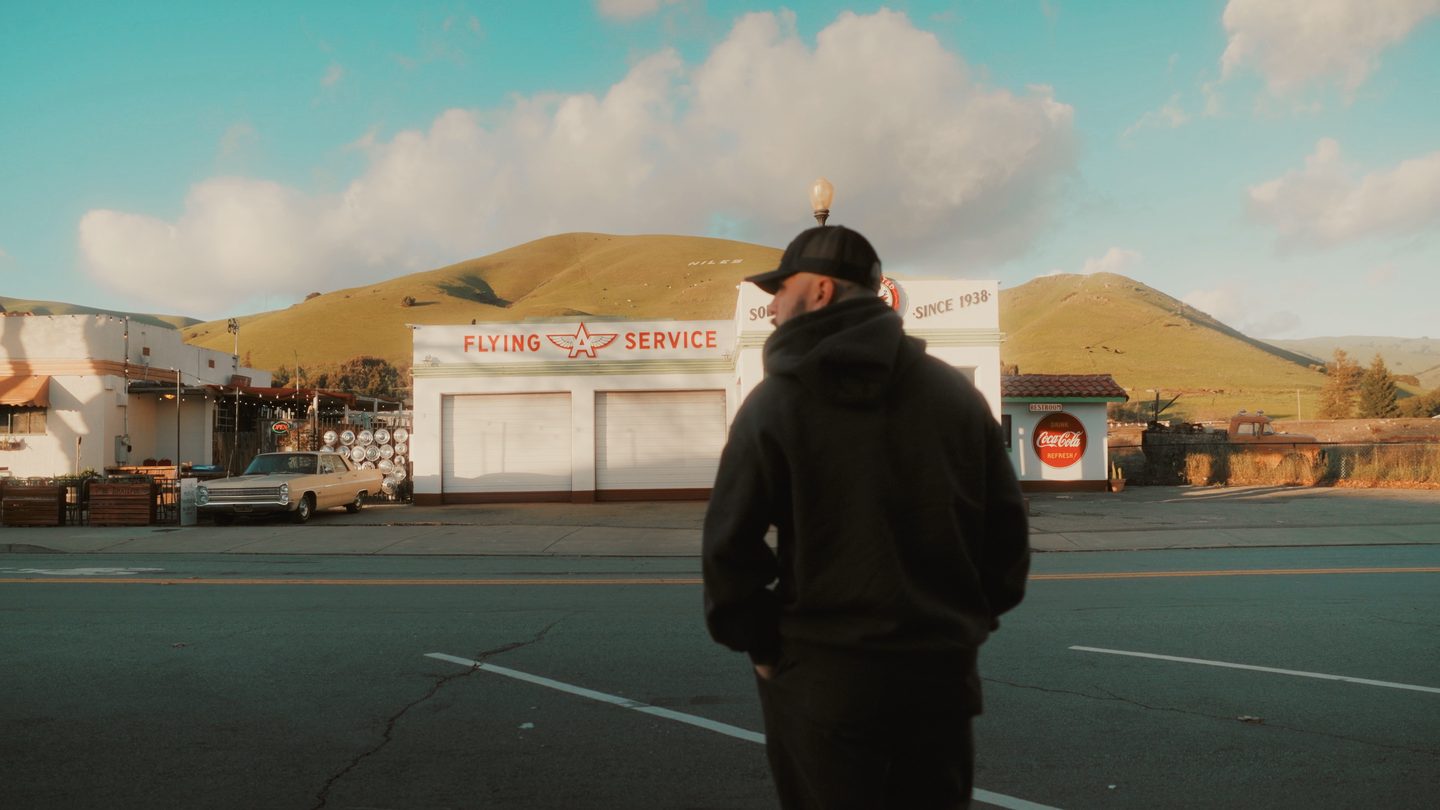
Nostalgic 70s film. Matte blacks and true aged-dye color — pale skies, olive greens, loud reds. A big, bold, unmistakable transformation.
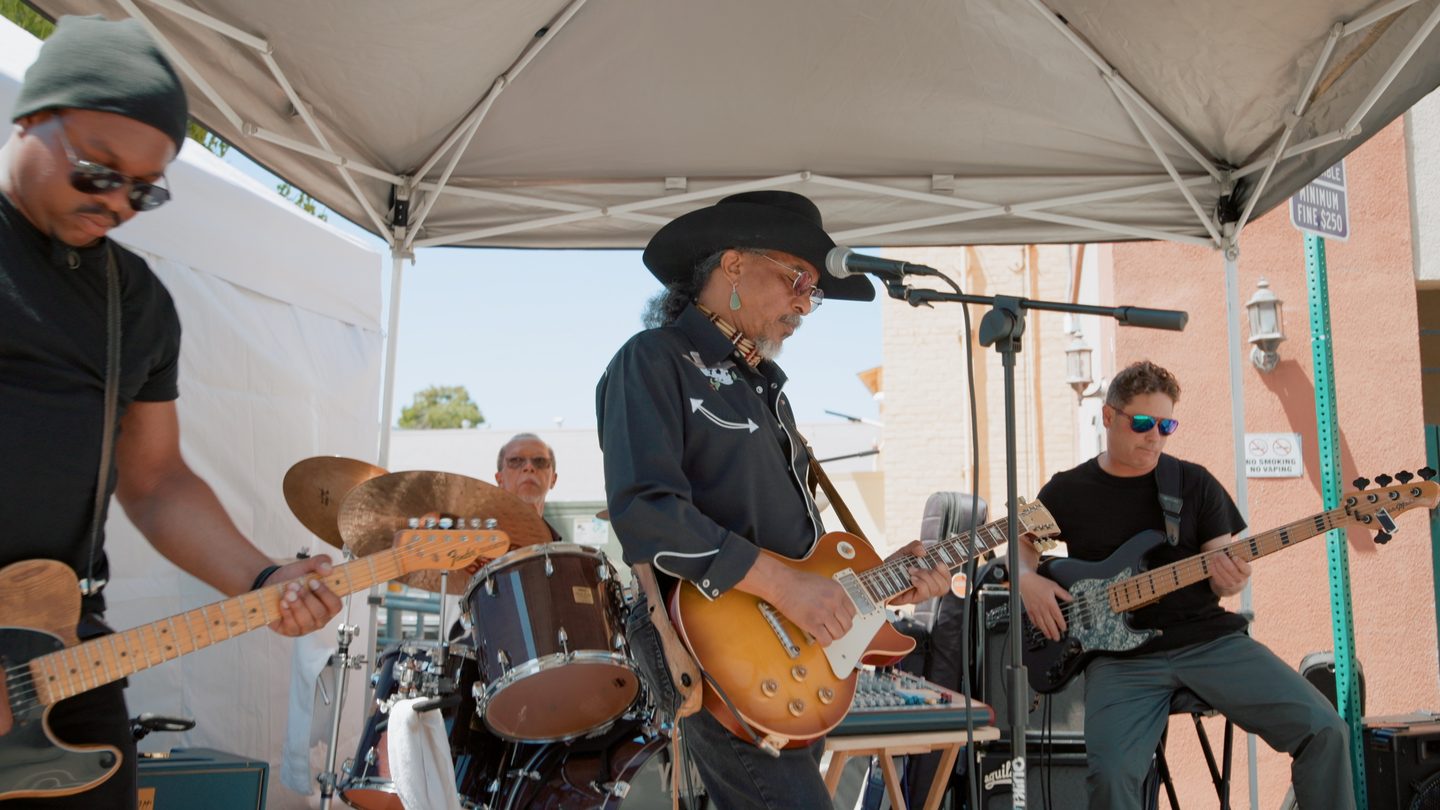
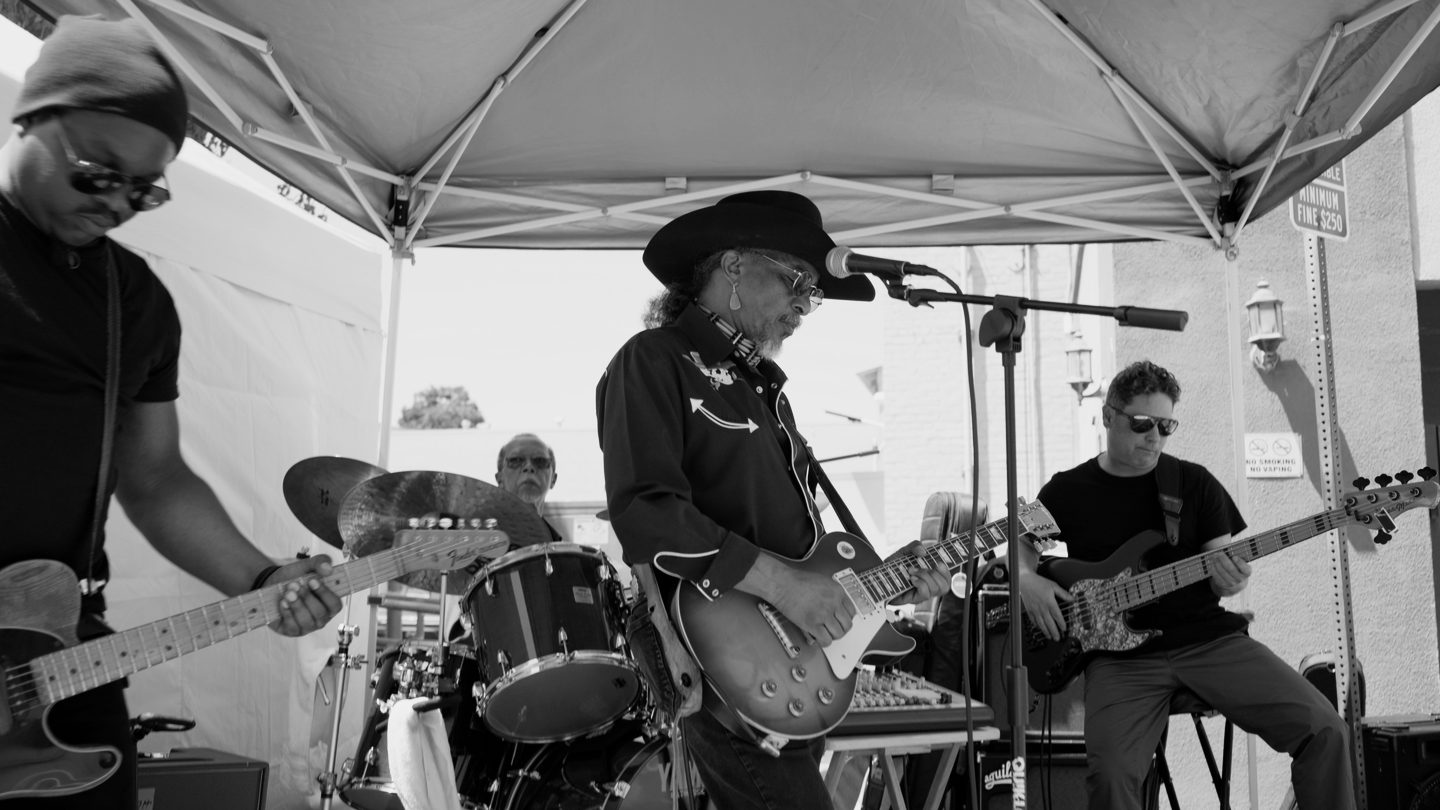
Dense, filmic black & white. Built so skin stays textured and rich — never luminous or blown out like typical B&W LUTs — with deep blacks and a soft film shoulder. Flatters every face.
Cars, portraits, coastline, golden hour. Pick a frame, then flip through the looks — this is how they behave on real footage, not color charts.
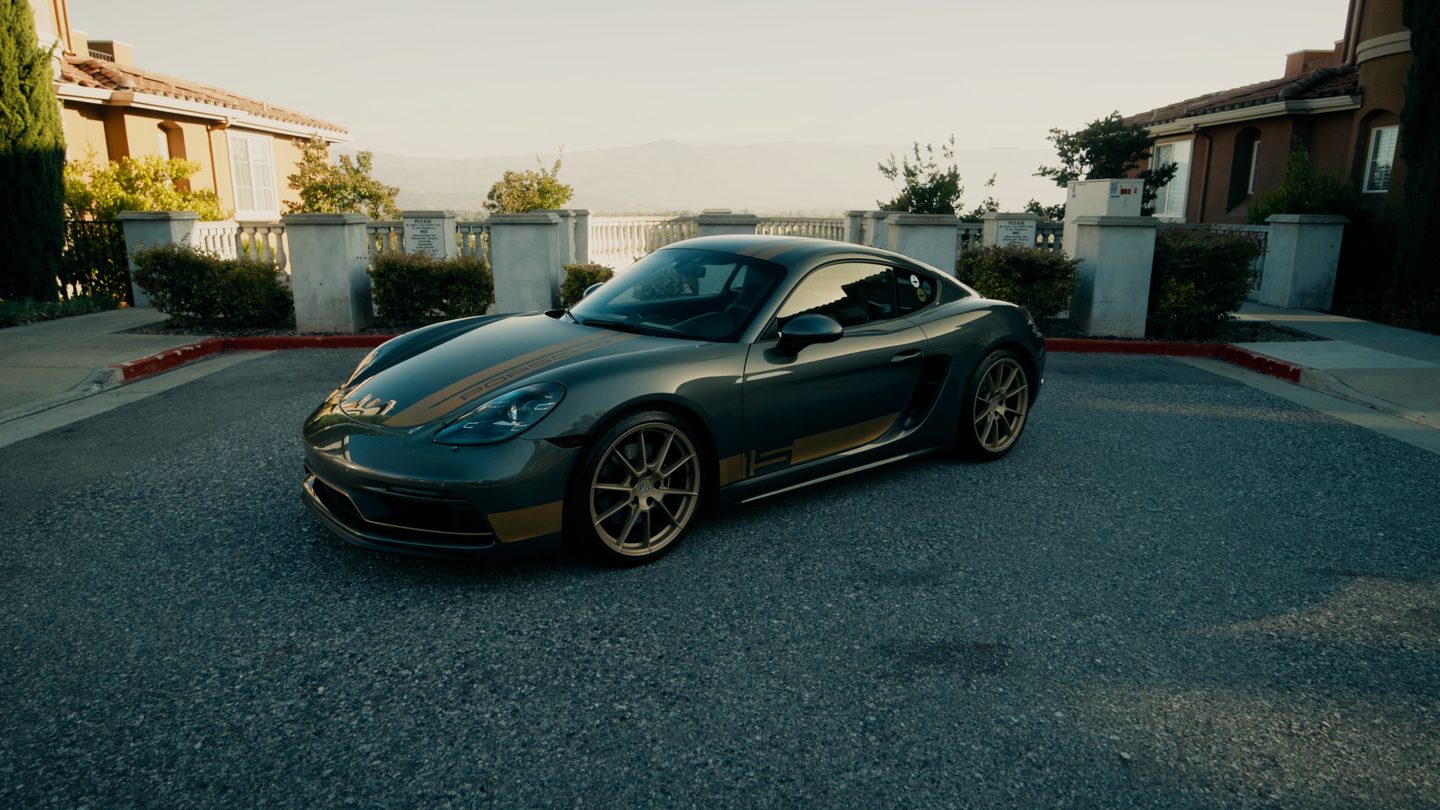 Matinee
"I'm a working videographer in the East Bay. I built these for my own client jobs first — then cleaned them up so you can drop them on yours."
— Elijah Merrell, EJ Films
Six signature LUTs + full setup guide
Straight to your inbox. No card, no catch. Unsubscribe any time.
The part the LUT can’t do
A finishing LUT is the last 10%. Everything under it — balance, skin, the shot-to-shot match that makes a video feel finished — is the grade. I do that in CineDream, and it is the reason these looks land the same way on my footage as they will on yours.
It is a point-and-click grading plugin from Denver Riddle at Color Grading Central. I use it on Costco brand films and on every listing video I cut.
See how I grade →Affiliate link — I get a cut if you buy, at no extra cost to you. I would not put my name on it otherwise.
Yes. They're finishing LUTs built for Rec.709, so they're camera-agnostic — apply them after a standard color-space transform and they work with any camera. The setup guide walks you through it for each editor.
That means it went on log footage. Convert your clip to Rec.709 first (the guide shows you how in Resolve, Premiere and FCP), then apply the look on top. Two minutes and you're set.
Any editor that loads .cube LUTs — DaVinci Resolve (free version
included), Premiere Pro, and Final Cut Pro are all covered with dedicated
instructions.
No. These are true 33-point 3D LUTs with original color science — filmic contrast, split-toning, and per-hue control. They behave like a professional grade, not a one-slider filter.
Yes — the single-user license covers unlimited personal and client projects. Just don't resell or redistribute the files themselves.
There isn’t one. I make free tools for videographers because I wish someone had done it for me when I started. You get the looks; I get to stay on your radar. If a file is broken or won’t load, email me and I’ll make it right.